Jason Talley - CEO, Owner of CJ2+, and Pilot - ATG 5000 to AVANCE L3 upgrade
“The upgrade to the AVANCE L3 was 100% worth it. My only regret is that I didn’t do it earlier. It is that much better.”


Use this simple tool to find the ideal solution for you and your aircraft. From very light to ultra-long-range, Gogo can help you tailor an inflight Wi-Fi experience that meets the demands of today's tech-savvy travelers now and far into the future - for any size business aircraft.


Gogo AVANCE is trusted by more pilots, passengers and operators than any other IFEC technology in the sky. The reason is both simple and powerful. AVANCE is business aviation's only true platform that delivers your entire IFEC experience with just a single box solution: broadband internet, voice, on-demand entertainment, cockpit apps, self-service tools, remote support and more.
Find your systemWe think our technology is incredible. But don't take our word for it. Hear what some of our over 4,000 customers have to say about their real-world experience with Gogo Wi-Fi.
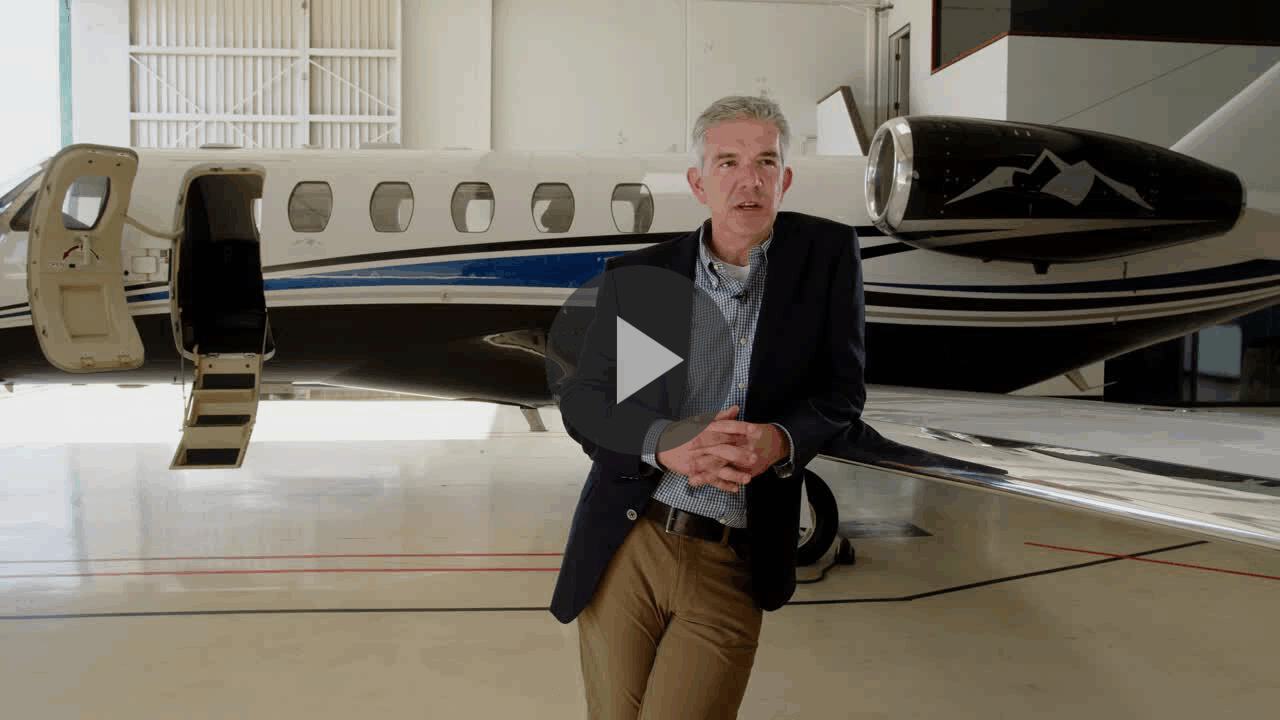
“The upgrade to the AVANCE L3 was 100% worth it. My only regret is that I didn’t do it earlier. It is that much better.”
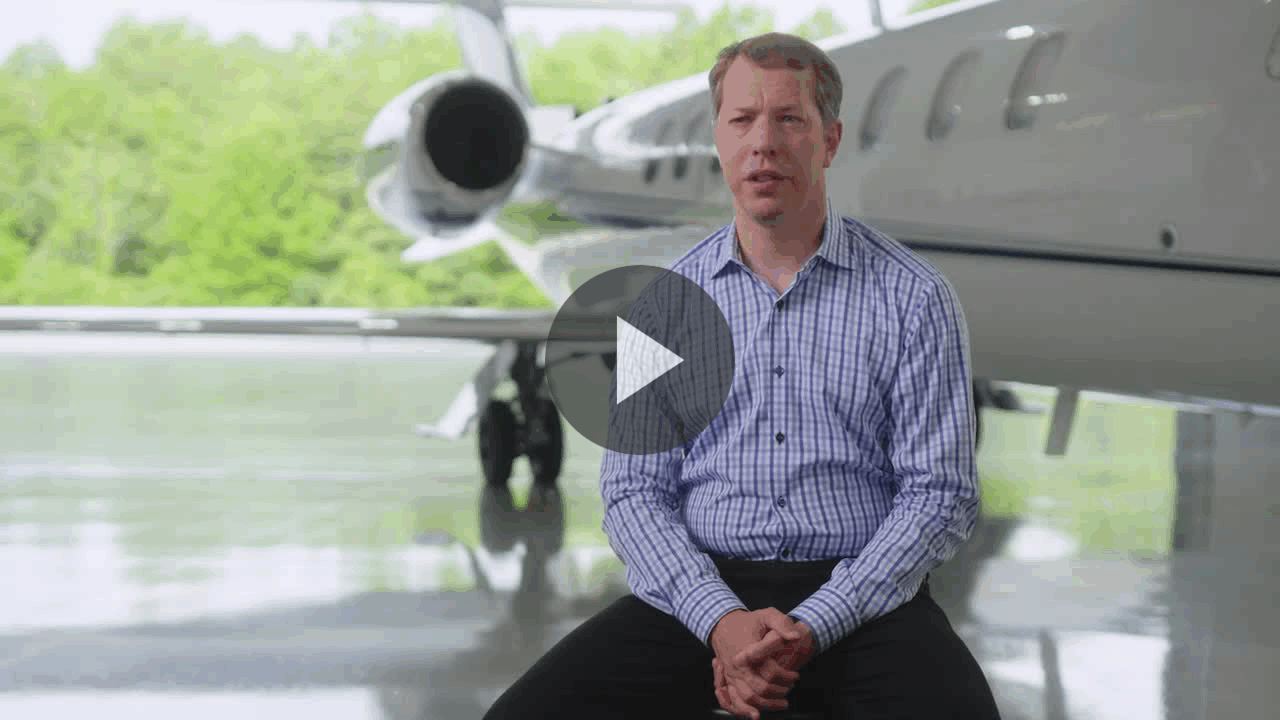
"Adding Gogo was another enabler on top of having private aviation. It gave me even more control over my schedule and more ability to just get things done."
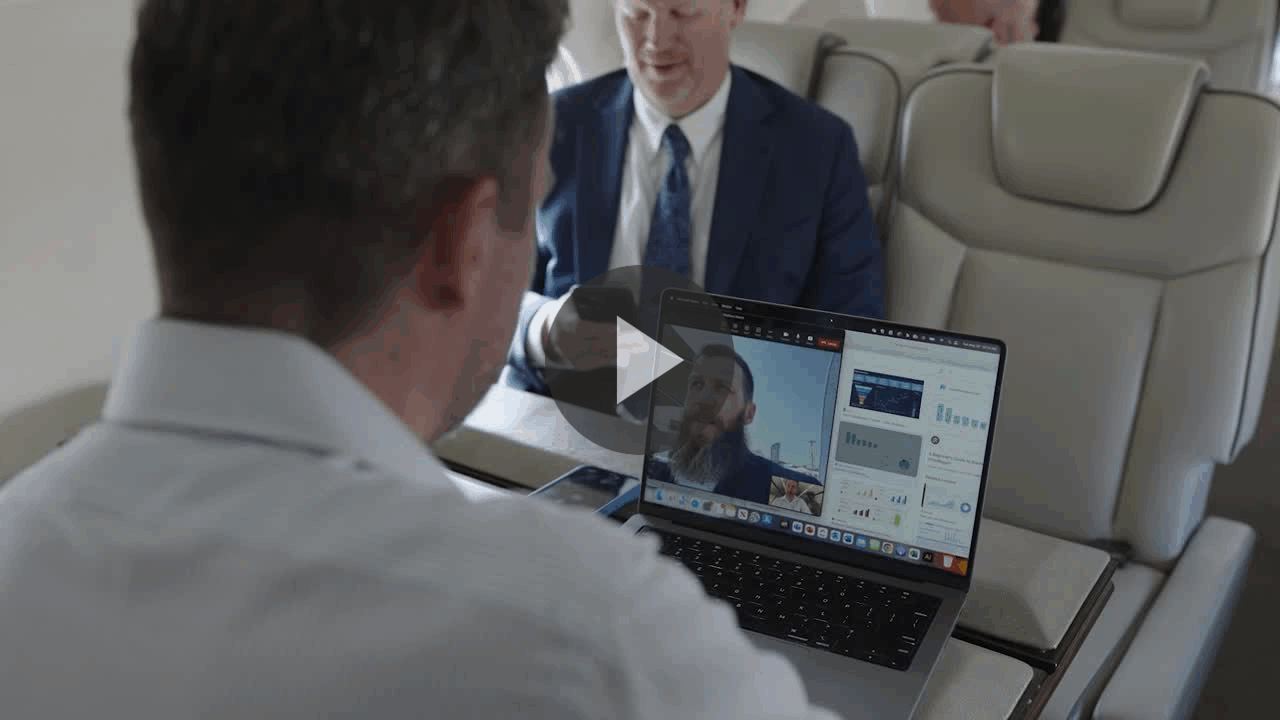
We invited global business aviation experts attending EBACE 2023 in Geneva, Switzerland, to step on board our demo aircraft to try Gogo Galileo first-hand. Watch their reactions after watching live news, FaceTiming family, and more.
Or, we'll be happy to reach out to you.
Gogo won't fill your inbox with unwanted emails. But we'd love to provide you updates on our already incredible inflight connectivity.
Complete this form and we will contact you within 48 hours.